How Echo Studio records your screen
Pick a tab, press record, and everything happens inside Chrome — captured, encoded, saved and converted on your own computer, with no server anywhere in the path.
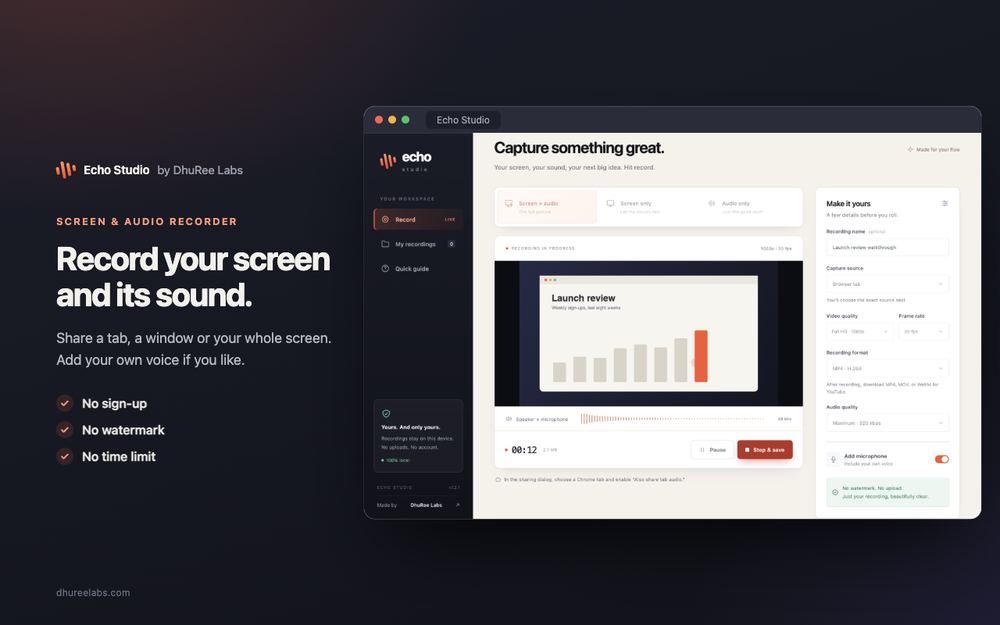
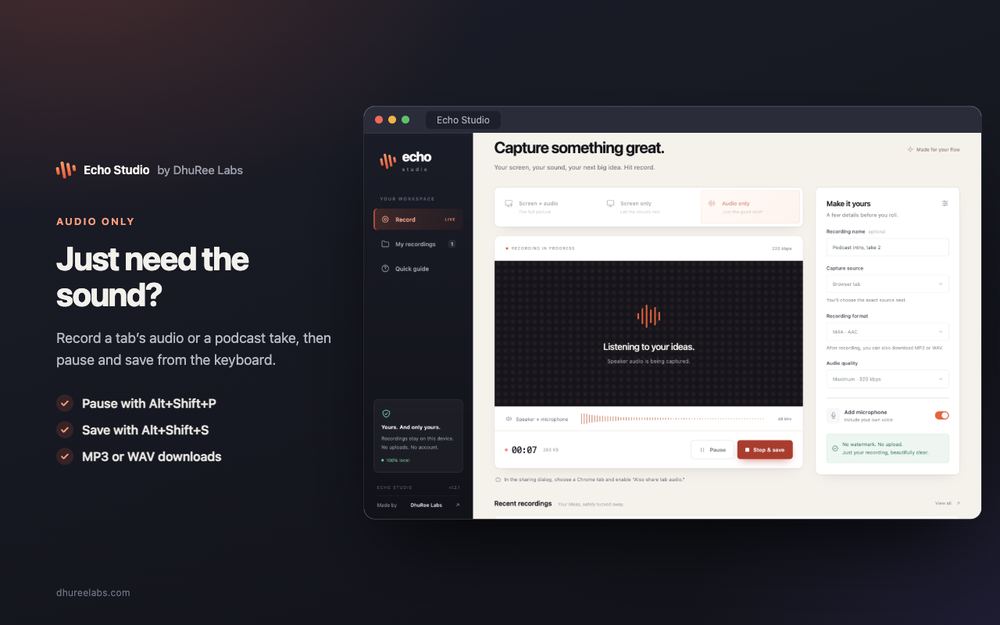
Most screen recorders are the front end of a cloud service: you record, the file uploads, and what you get back is the copy their servers made. Echo Studio has no server. Everything below happens inside Chrome, on your computer.
Choosing what to record
You press Start recording and Chrome shows its own sharing picker: a tab, a window or your whole screen. Echo Studio never sees anything you did not pick there, and Chrome asks again every time.
For sound, a Chrome tab is the reliable choice. Tick Also share tab audio and the tab’s sound comes with the picture. Sound from a window or the whole screen depends on your operating system.
Turn on the microphone and Chrome asks for that separately. Echo Studio mixes your voice with the tab’s sound in the browser’s audio engine, and the level meters you see are reading that same mix.
Encoding as it goes
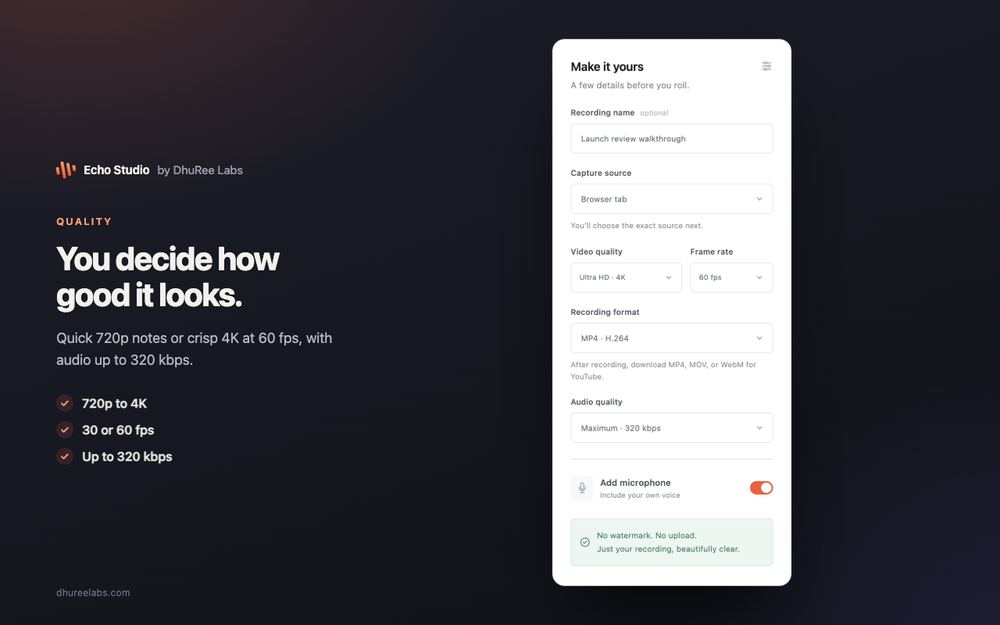
Picture and sound go straight to the browser’s built-in encoder at the quality you chose: 720p up to 4K, 30 or 60 frames a second, audio up to 320 kbps. Those are ceilings, not promises. A recording can only be as sharp as its source, so each one notes the size and frame rate it actually got.
Saved every second
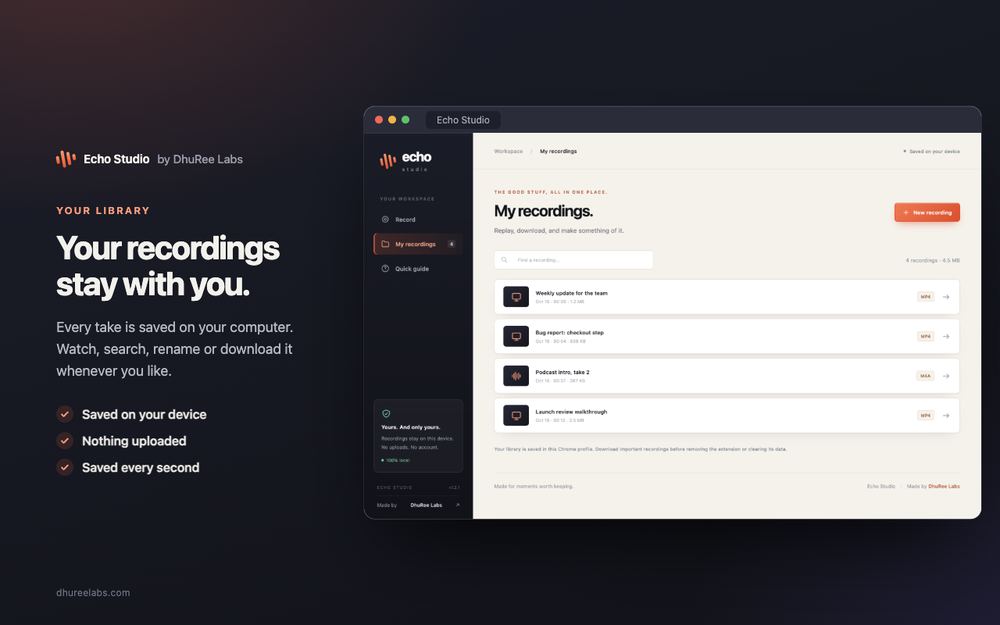
Rather than holding the whole recording in memory until you stop, Echo Studio writes it to storage inside your browser about once a second. Two things follow from that. Long recordings do not fill your memory. And if Chrome closes unexpectedly, everything up to the last second or so is still there when you reopen the studio, marked as interrupted. The very end may be missing, so Stop & save is still the right way to finish.
Converting on your computer
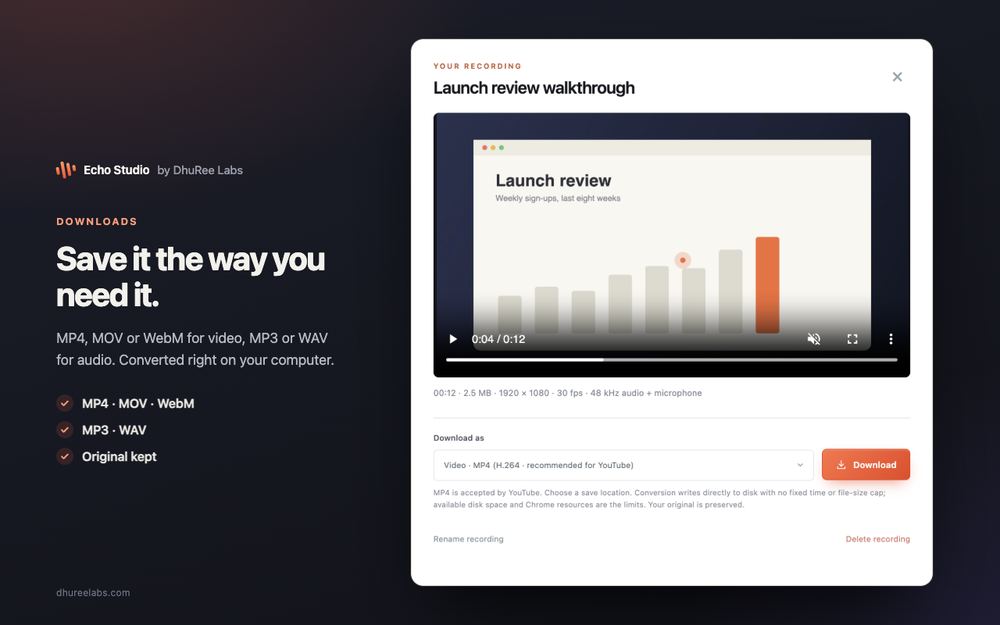
When you download, you pick the format: MP4, MOV or WebM for video, MP3 or WAV for audio. Conversion runs in the background using Chrome’s own codecs, with an open-source library (Mediabunny) assembling the video file and the LAME encoder making the MP3. Your original is never overwritten.
In current desktop Chrome, a converted video is written straight into the file you choose, a few megabytes at a time. That is why there is no fixed length limit: the practical limit is your free disk space.
Nowhere for it to go
Echo Studio’s security policy tells Chrome to block every connection outside
the extension itself, and it has no permission to read the pages you visit. It
asks for just two permissions: storage, to show the REC badge on the toolbar,
and unlimitedStorage, so a long recording is not cut off by Chrome’s default
quota.
The browser already knows how to capture, encode and save video. Echo Studio puts those pieces together, and keeps your recordings where you made them.