
Chrome Extension
Echo Studio
Record your screen and its sound.
- Chrome
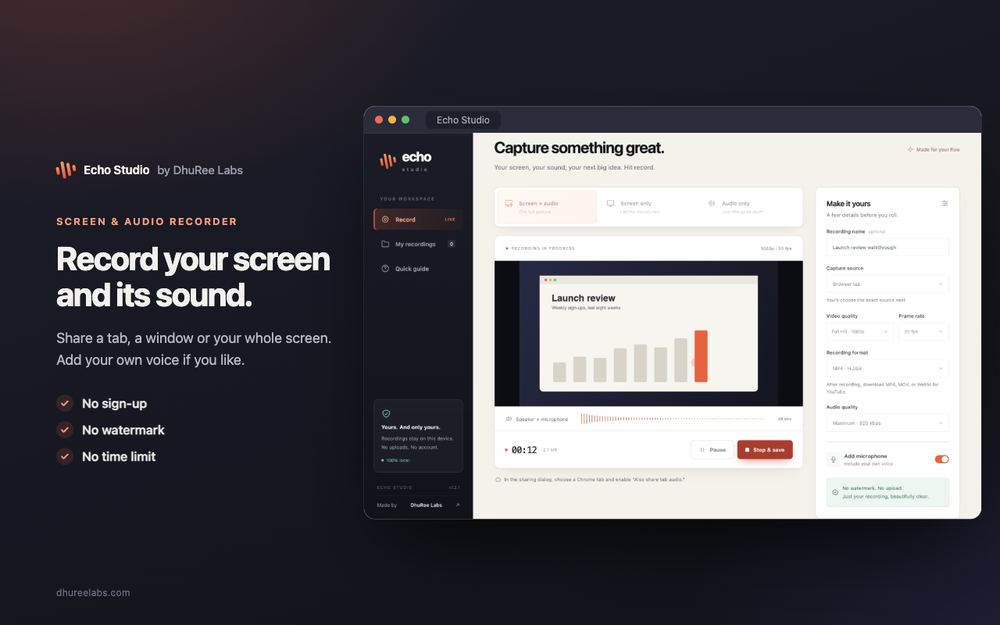
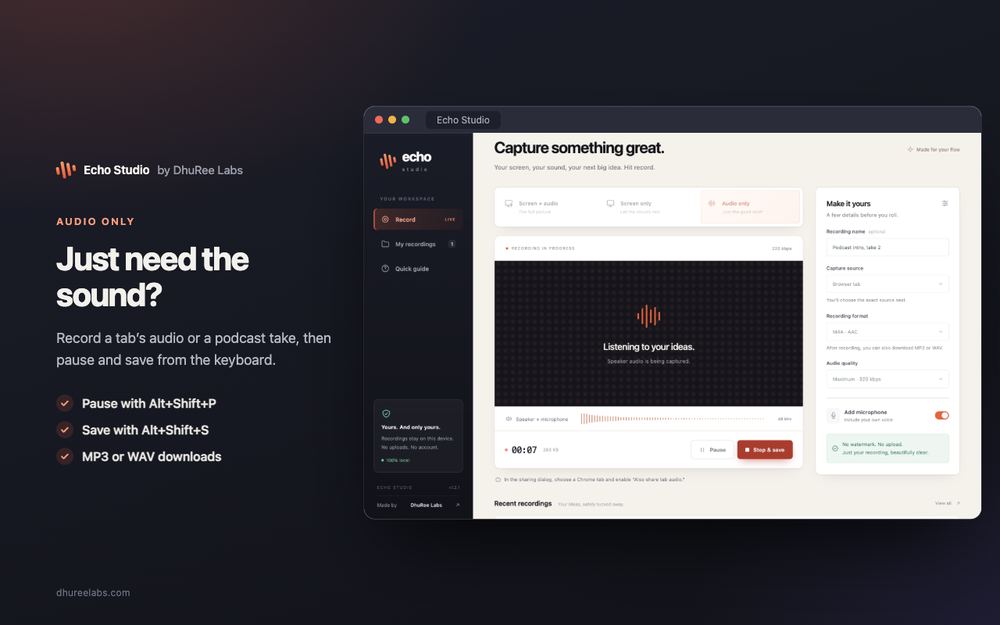
Echo Studio records your screen and the sound playing in it, right in Chrome. Pick a tab, a window or your whole screen, add your voice if you like, and press record. Your recording waits in a library on your own computer — no sign-up, no watermark, no time limit, and nothing uploaded.
At a glance
- Network
- None — blocked by policy
- Records
- Up to 4K · 60 fps
- Saves
- MP4 · MOV · WebM · MP3 · WAV
What it does
-
Screen, sound and your voice
Record a tab, a window or your entire screen together with the audio playing in it. Turn on the microphone to talk over it, and the two are mixed into one take. Or record just the picture, or just the sound.
-
You decide the quality
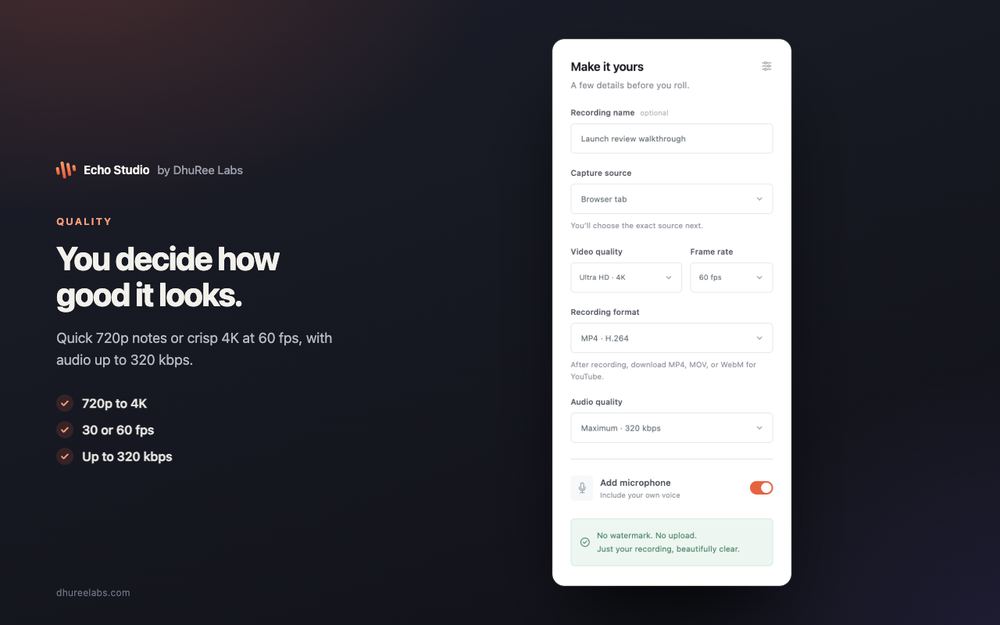
720p up to 4K, at 30 or 60 frames a second, with 48 kHz audio up to 320 kbps. These are ceilings: each recording shows the size and frame rate it actually captured.
-
Save it the way you need it
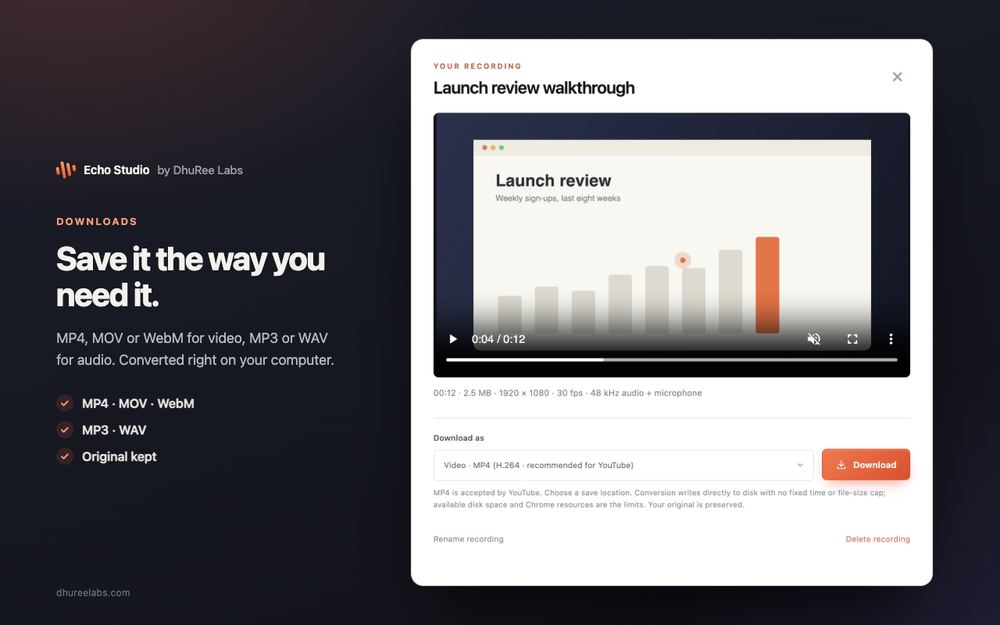
Download video as MP4, MOV or WebM, and audio as MP3 or WAV. Conversion runs on your computer with Chrome’s own codecs, and your original recording is never overwritten.
-
A library that stays with you
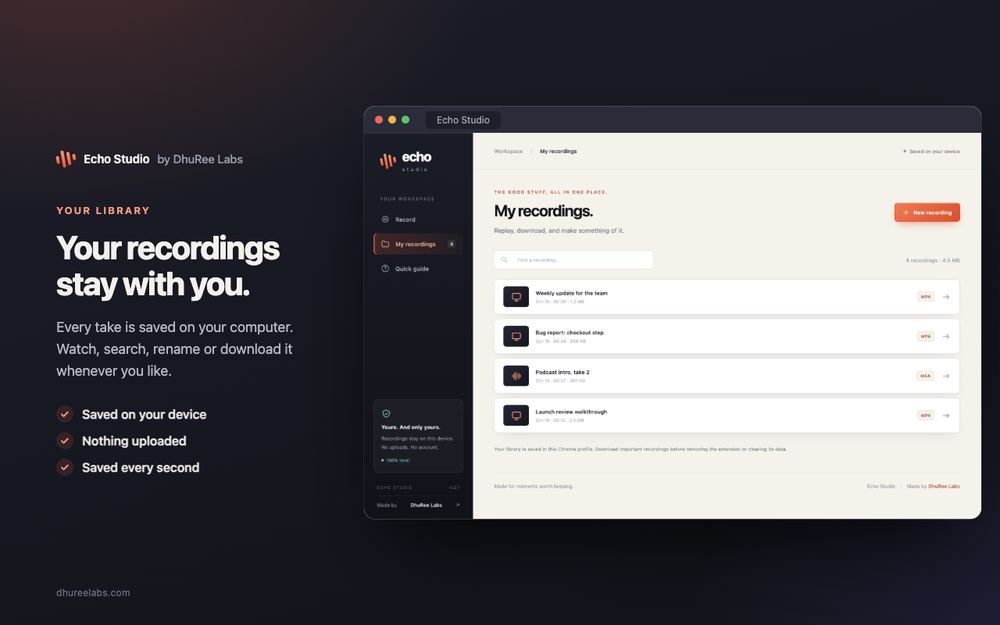
Every take is saved on your own computer about once a second while you record. Watch, search, rename and download them whenever you like. Nothing is uploaded, ever.
Privacy
- Makes no network requests — its security policy blocks every outside connection
- Declares no host permissions, so it cannot read any web page
- Recordings are stored in your browser on your computer and never uploaded
- No accounts, no analytics, no ads, no watermark
The full detail — every stored value and every address contacted — is in the Echo Studio privacy policy.
Permissions, and why
storage- Shows the REC badge on the toolbar icon while a recording runs, and clears it if the studio tab closes.
unlimitedStorage- Lets your library hold long, high-quality recordings on your own computer without being cut off by Chrome’s default quota.
That is the complete list.